
After reviewing a POP to determine if it meets your brand, policy, and regulatory standards, you can approve the POP so that it is marked as approved in the system and in your reports.
The approval "button" is on the POP flag where Issues are applied.

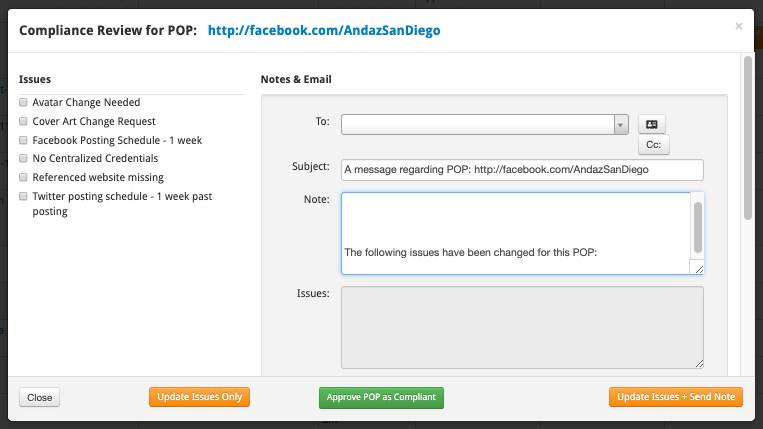
Once you open the flag to get the POP note, you will see the Approve as Compliant button at the bottom of the note. Just click this button to approve.
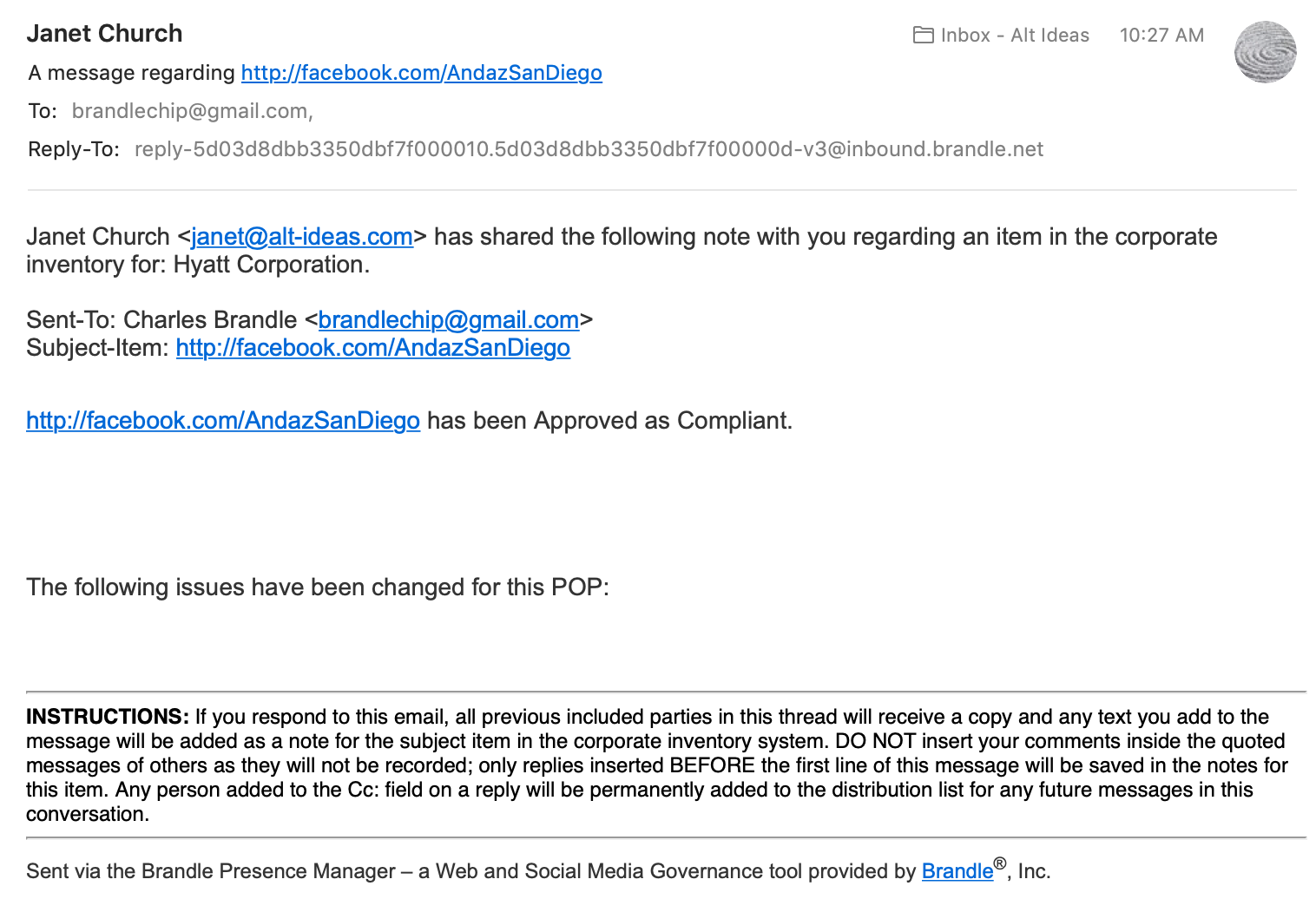
The POP owner will be sent an email confirming the approval:
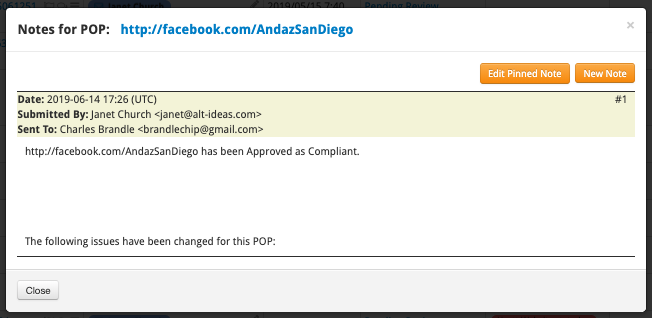
A time/date stamp will be placed on the POP note to keep historical records of the compliance process.
The Compliance Status within the Inventory and GRC table will then be changed to Approved. Within the GRC table and selecting the Status View, you can see the date of approval and the person who approved the POP as compliant.
If there is a Criteria scope on this POP and you receive an alert in the future, this POP will be placed back into a PENDING state awaiting your approval to ensure the POP is still compliant.
Comments
0 comments
Please sign in to leave a comment.