
The Inventory tab in your Brandle Presence Manager account gives you many options for reporting on your digital landscape. The biggest thing to remember is that a great deal of the power behind reports is based on the power of your tag strategy. You can certainly create reports based on your entire inventory, but filtering by tags first will give you more information and greater detail about your social footprint or your web presence.
The report options can be found in the Inventory tab by clicking the button Reports on the far right of the tab. The report options are:
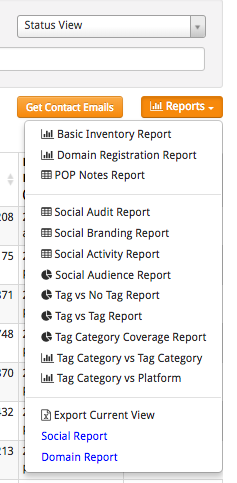
There is also an option to export your view into an Excel spreadsheet which gives you the opportunity to work with the data any way you choose. The best way to get ot know the reports is to produce reports with your own data.
Comments
0 comments
Please sign in to leave a comment.