
This video will help you create and manage Tasks in your Brandle account.
Tasks allow you to create, assign, and report on action items that are part of your governance process and they help you centralize what your team members are working on.
Take a look:
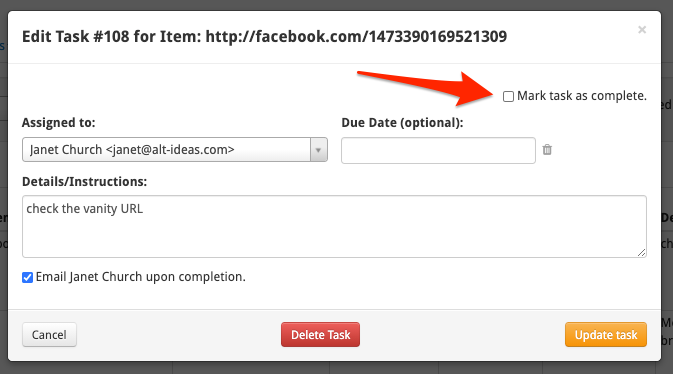
As a side note, when you have completed a task that's been assigned to you, just check the "Mark Task as complete" box. Brandle will then send a completed task email to the assignor if they selected to be emailed.
Comments
0 comments
Please sign in to leave a comment.