
It's easy to import an Existing Spreadsheet. Just follow these steps.
Once Discovery has run (or even before it has completed), you can accelerate the process of building your Inventory by importing any spreadsheets you might already have. Doing this will automatically move any POP imported from your spreadsheet from Discovery into Inventory.
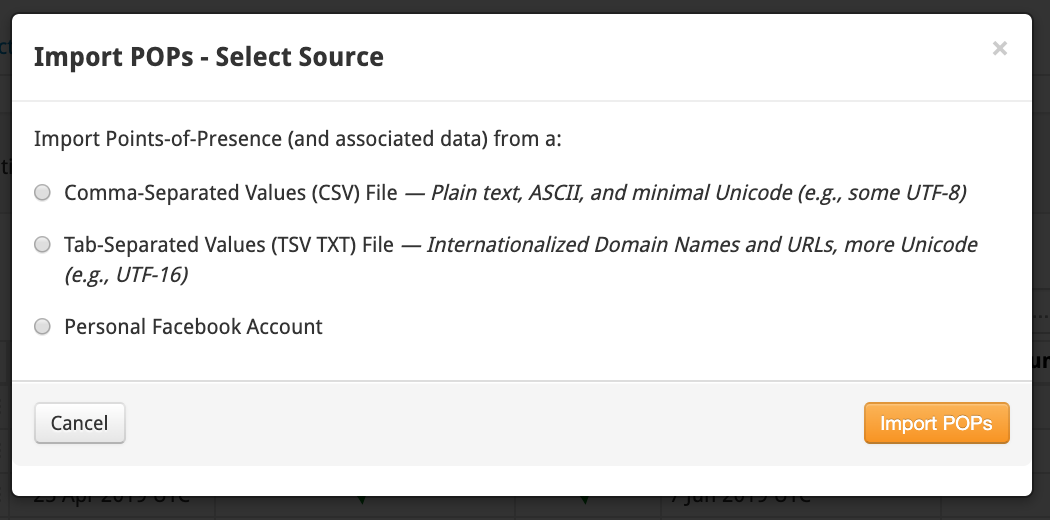
From the Inventory Tab, just click the Add/Import orange button on the right side of the page and select Import POPs to bring up the Import modal. Then make your selection.
Note: any time a POP is moved to your Inventory, it may trigger a new Discovery if the POP introduced new information to the system; so don't be surprised if new POPs continue to show up or move up in your Discovery.
Comments
0 comments
Please sign in to leave a comment.